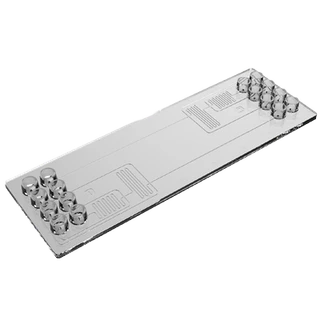
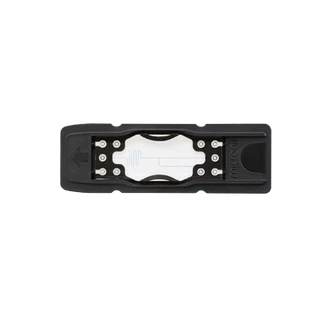
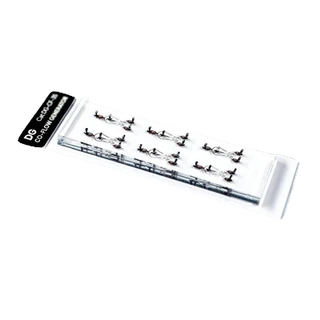
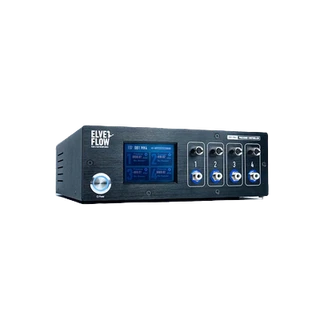
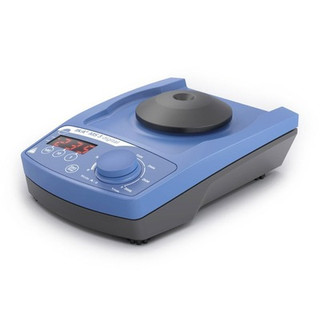
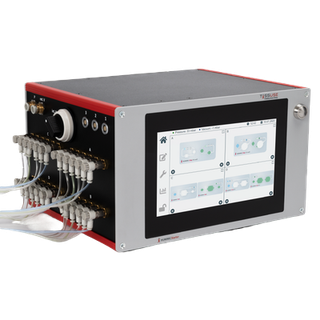
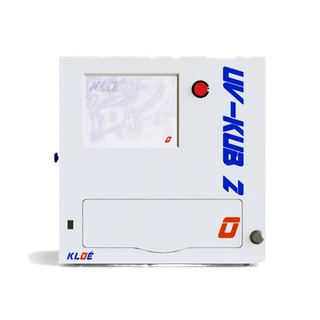
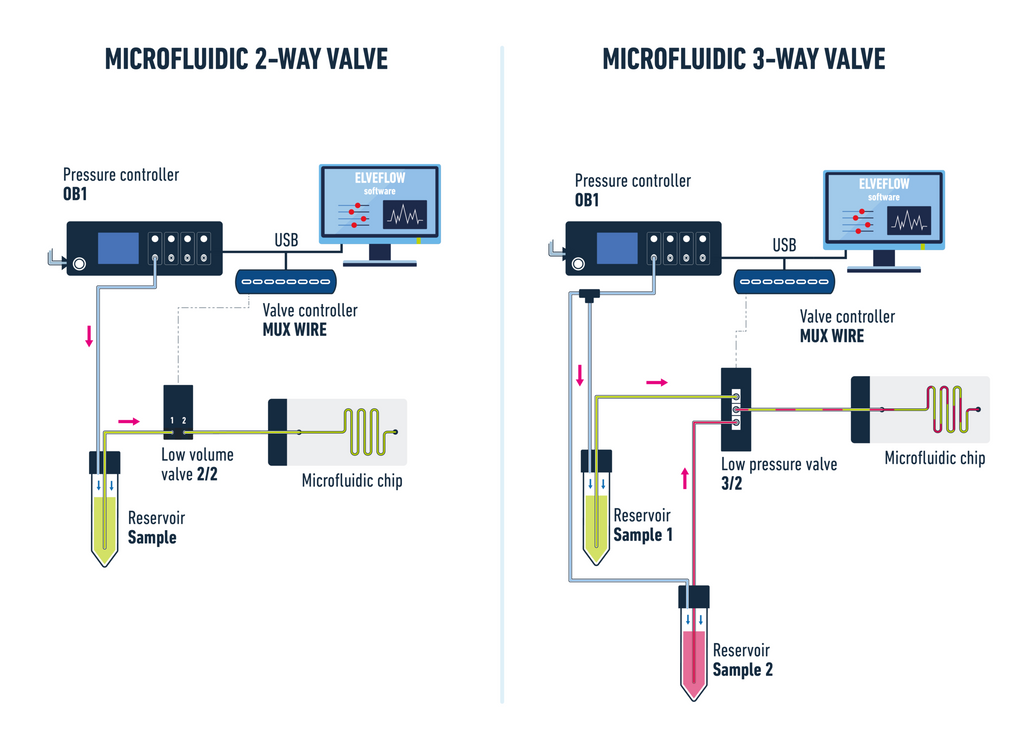
An easy-to-use and versatile valve controller: plug in up to 8 valves independently, while controlling them efficiently through the Elveflow Smart Interface software.
The MUX Wire v3 is compatible with the Elveflow microfluidic valves through USB-C.
General
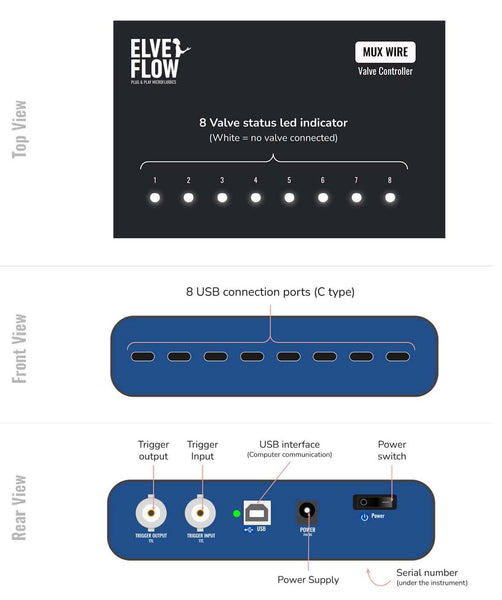
The MUX Wire v3 valve controller allows you to control up to eight valves in your setup through Elveflow’s software interface or in standalone mode. It is equipped with internal and external trigger connectors that synchronize it with the other equipment in the setup, such as microscopes or analytical instruments.
The LED indicator on top of the valve controller displays each valve's type and state, facilitating the use, visualization, and control of all the valves in your setup.
Note: using the MUX Wire v3 with a prior valve version is possible. However, the cable that connects the valve and MUX Wire V3 must be a USB-C. Hence, you will need a USB-C cable and a Micro USB adaptor to connect a non-V3 valve to the MUX Wire V3.
Content
1x MUX Wire valve controller
1x Universal power supply (110-230 V, 50-60 Hz)
1x USB-A to USB-B to connect the MUX Wire to your PC
Specifications
| Max number of controlled valves |
8 |
| Input voltage range |
100 V to 240 VAC |
| AC supply frequency |
50 Hz to 60 Hz |
| Input current, AC |
0.8 A |
| Power supply, DC |
18-24 V, 1.5 A |
| Max current consumption |
1.5 A peak |
| Max power consumption |
36 W |
| Max valve power |
10 W |
| Connection type |
USB |
| Valve connectors |
USB-C |
| Operating temperature |
5-50 °C |
| Dimensions (without connectors) |
140x96x35 mm |
| Weight |
0.374 kg |
| Min computer specifications |
USB 2.0 port, Intel Pentium II 500 MHz, I Go Hard Disk space, 2 Go RAM Windows XP and newer, 32/64 bit.
LabVIEW® 2011 is required when using LabVIEW® libraries
ESI installation is required to use SDK |
| Provided software |
Elveflow Software Interface (ESI) |
| Software development kit |
C++, Python, MATLAB® and LabVIEW® libraries |
Documentation
MUX Wire Valve Controller user manual